

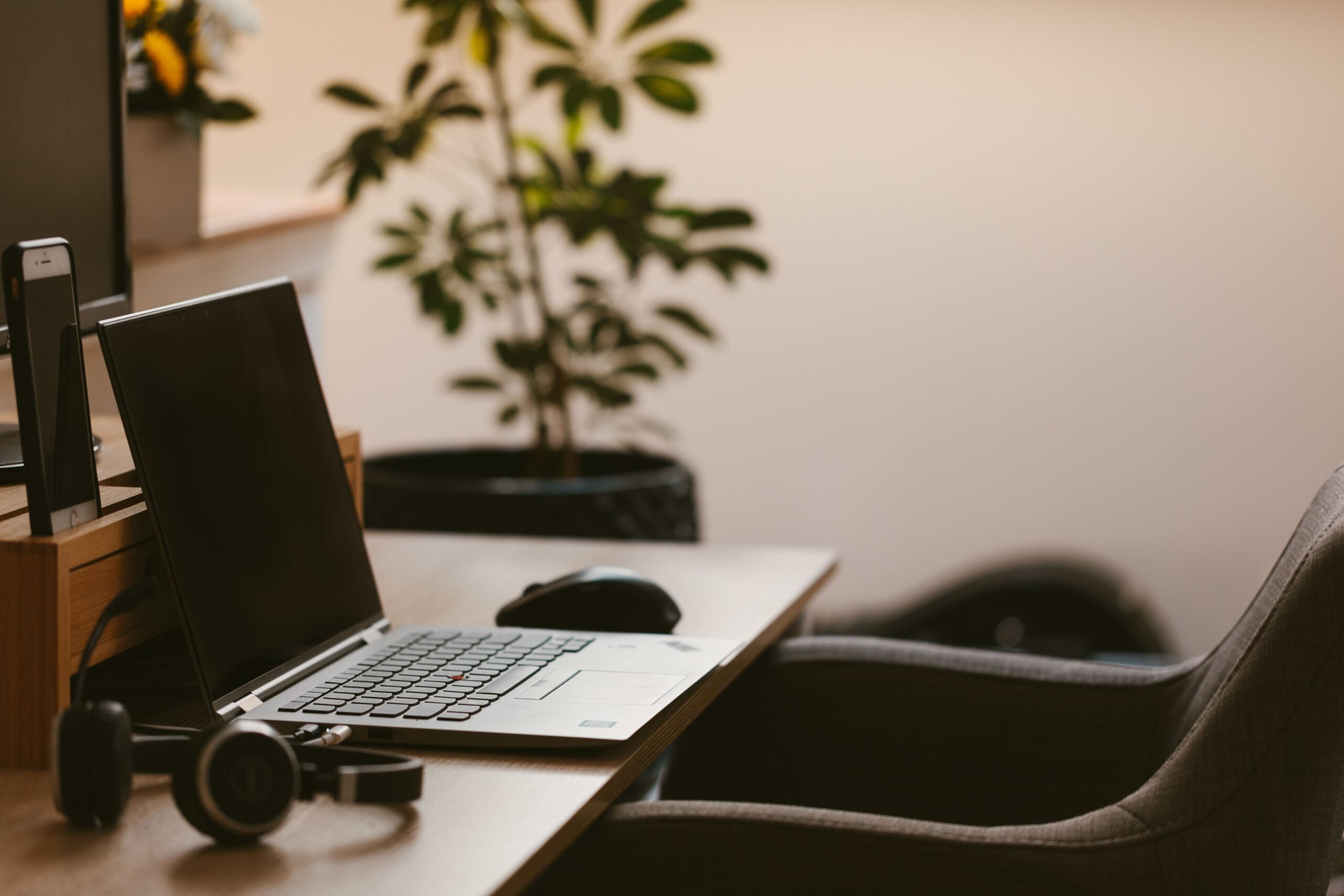
Leading a remote team requires more than just a laptop balanced on a kitchen island. When you oversee employees remotely, your physical workspace directly impacts your ability to communicate clearly, handle sensitive conversations, and maintain a professional presence. A chaotic home office usually bleeds into your leadership style, causing distracted video calls and delayed responses. Upgrading your personal environment is often a foundational step in practical management training. Before you can effectively evaluate your team’s remote productivity, you need a dedicated setup that allows you to guide them without technical hurdles. Building a functional work-from-home command center gives you the tools to support your staff efficiently. Here’s exactly how to design a workspace optimized for remote leadership.
Securing a Confidential Environment
Handling managerial duties means dealing with sensitive information every single day. You review payroll, conduct performance evaluations, and mediate private employee disputes. You can’t do these things from a local coffee shop or a shared living room. Effective remote leadership demands a dedicated room with a door that closes. This physical barrier protects the privacy of your team members. If an employee comes to you with a personal struggle or a medical accommodation request during a video call, they need to know nobody else in your house is listening. Wearing a high-quality headset rather than relying on computer speakers adds an extra layer of privacy, ensuring your team feels safe sharing confidential information with you.
Upgrading Your Audiovisual Presence
When you manage people in an office, your body language and tone of voice do a lot of the work. Through a screen, poor audio and grainy video strip away those subtle communication cues. If your microphone constantly echoes or cuts out, your team will hesitate to speak up during meetings. Investing in a standalone USB microphone and a high-definition webcam is non-negotiable for remote leaders. You want your voice to sound rich and clear, so your instructions are easily understood. Additionally, position your desk so you face a natural light source, or invest in a pair of soft LED desk lights. When your team can clearly see your facial expressions, they feel more connected to you, which reduces misunderstandings and builds trust.
Curating a Professional Background
What sits behind you on a video call matters just as much as your camera quality. A cluttered background featuring unmade beds, piles of laundry, or constantly moving family members distracts your team from the message you’re trying to deliver. It also subconsciously undermines your professional authority. You don’t need a lavish executive suite, but you do need a clean, uncluttered visual backdrop. A simple painted wall, a bookshelf, or a few potted plants work perfectly. If your space doesn’t allow for a clean physical background, utilize your software’s background blur feature. Keeping the visual focus entirely on your face ensures your team absorbs the directions and feedback you provide.
Expanding Your Digital Real Estate
Managers constantly juggle multiple streams of information. During a standard one-on-one meeting, you might need to look at the employee’s face, review their quarterly goal spreadsheet, and take private notes simultaneously. Doing this on a single small laptop screen requires constant tab-switching, making you look distracted and unengaged. Adding at least one large external monitor, or ideally two, transforms your workflow. You can dedicate one screen entirely to video conferencing so you maintain eye contact with your staff. The second screen holds your project dashboards, agendas, and reference documents. This setup allows you to run meetings smoothly without ever losing your place or breaking the flow of conversation.
Prioritizing Ergonomics for Sustained Energy
Your physical comfort directly influences your mood and your patience levels. Remote managers often spend up to six or seven hours a day locked in back-to-back video calls. If you sit in a cheap dining chair, your back will inevitably ache by early afternoon. That physical discomfort easily translates into a short temper when an employee brings you a frustrating problem late in the day. Investing in a highly adjustable ergonomic chair supports your posture and keeps your energy levels stable. Many effective leaders also incorporate an adjustable sit-stand desk into their routine. Standing up while delivering a presentation to the whole department naturally projects more authority and energy through the camera, keeping your audience engaged.
Establishing Boundaries for You and Your Team
Your home office setup also dictates the boundaries you set for your team. When you work from home, the line between personal time and company time blurs easily. If you keep your work laptop on the kitchen counter, you’ll naturally answer emails at nine o’clock at night. While you might think you’re just getting ahead, your team sees those late-night emails and assumes they also need to stay online. By keeping all your equipment in a dedicated office space, you can physically walk away at the end of the day. Shutting down your monitors and closing the door sends a clear signal to yourself that the workday is over. This habit prevents your own burnout and sets a healthy example for your employees, showing them that you respect their right to disconnect as well.
Taking the time to build a professional, private, and technologically sound home office isn’t just about personal comfort. It’s about providing your team with the stable, attentive leadership they deserve. When you remove the friction of bad audio, single screens, and household distractions, you free up your mental bandwidth to focus entirely on supporting and developing the people who rely on you.
 Headlines Team
  Daniel